WhatsApp inbox
One office number. The whole team.
Every chat on the agency's WhatsApp, inside the CRM, with the client's enquiries right beside the conversation.
15 Dec ko Goa…
Bali in Jan?
Hi, visa for Dubai
Passports ready
Quoted · 28/10
Real screens
The inbox, as your team uses it.
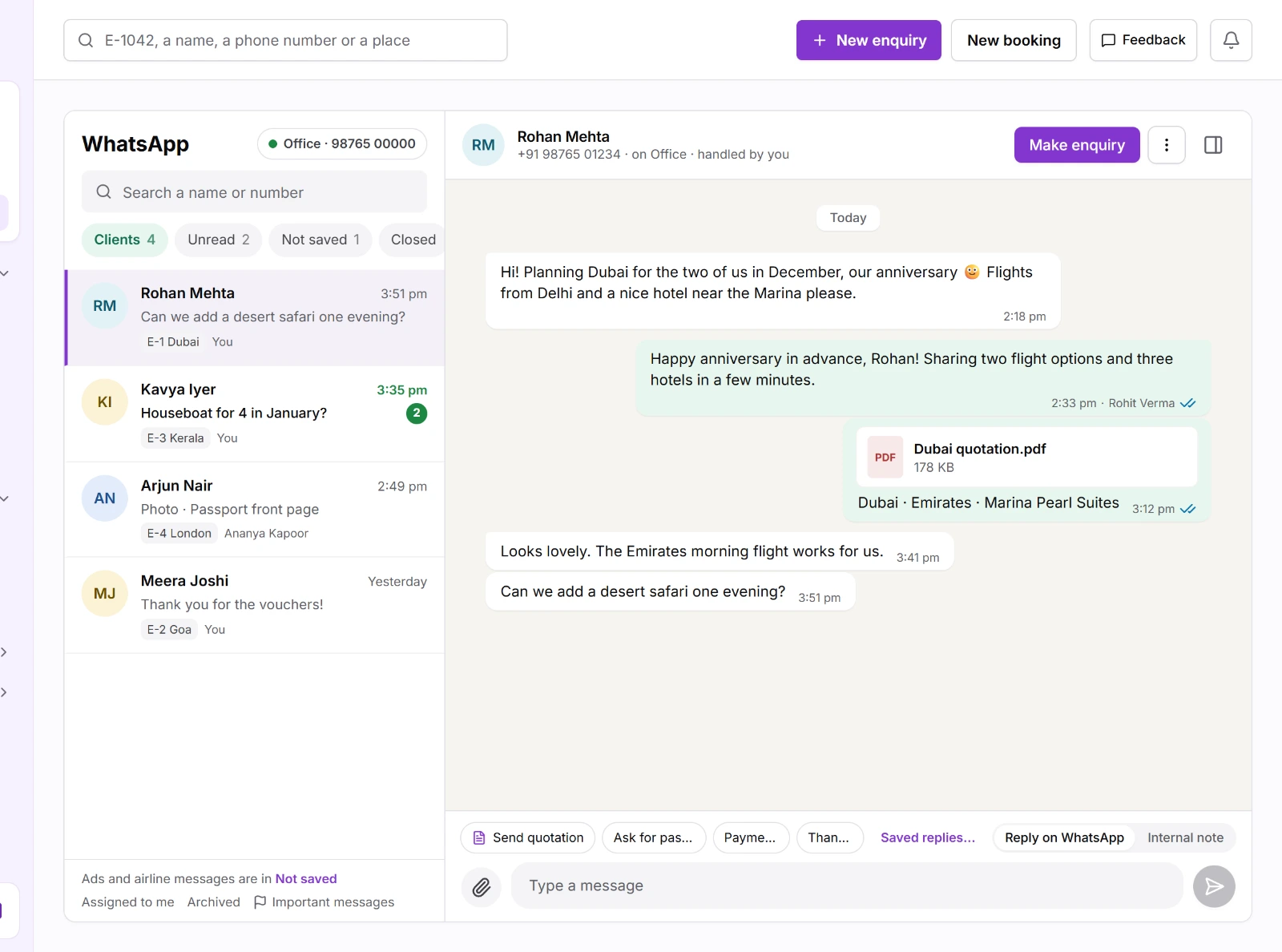
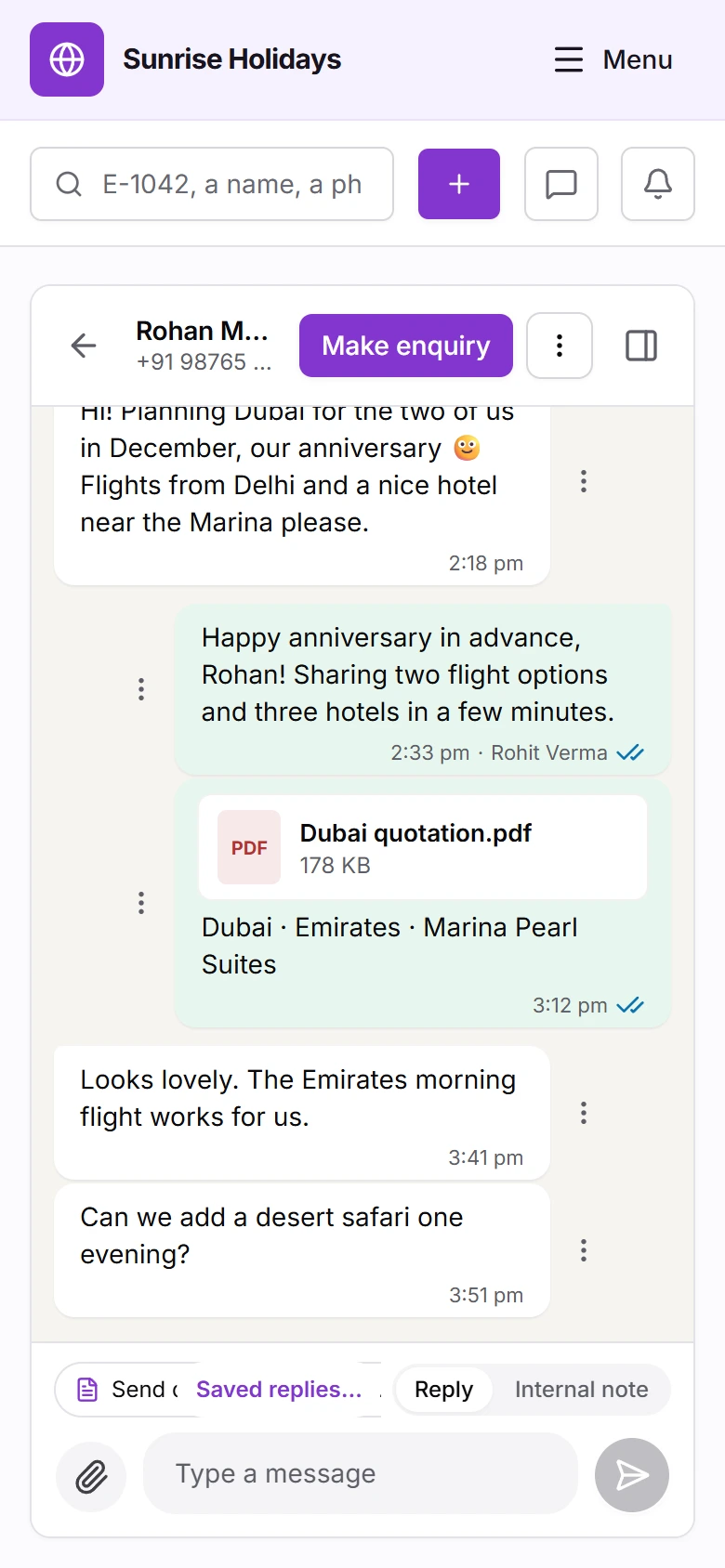
Clients first, each chat with its enquiry. On the phone too. Nothing is sent until someone presses Send.
What the inbox does
Tick, press, done
Select any messages — words, photos, files, the client's and yours — and press Make enquiry. The AI reads them together, in order. The enquiry stays linked to the chat.
Quick replies
The agency's own saved answers: office hours, documents, payment details. One tap, then edit if you like. Staff press send — every time.
The AI helper
Ask for a suggested reply, in English or Hinglish, or a summary of a long chat. It drafts; you decide. Switched on per agency and per role.
Signed out? You'll know
If the number gets unlinked, the inbox says so at once — "WhatsApp is signed out. Link it again" — with the link for whoever may do it.
A new number? A new lead
A number nobody saved that writes in waits in Leads for a first answer. Make enquiry offers its name and number as a new client, with "How they came to us" set to WhatsApp. Nothing is sent by itself.
Only for the people allowed
Select and Make enquiry appear only for staff who may use the inbox and add enquiries. Everyone else sees the chat, nothing more.